


- FOCUS TOPIC
4 use cases on how you can be successful with AI in the service center
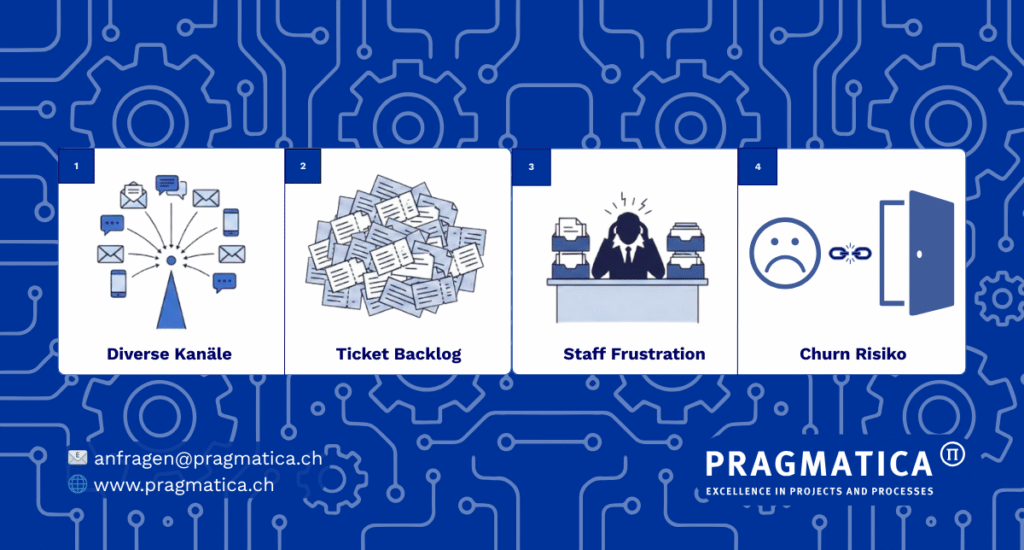
Whether a manager in banking operationsCustomer experience manager or customer advisor – you know the daily scenario: today, customer inquiries reach the bank via a multitude of channels in an uncoordinated and simultaneous manner. Be it by e-mail mail, via SecureMail, via website forms, in chat or in the traditional way over the phone. But all too often these requests end up – somewhere. In a overcrowded mailboxin a confusing ticketing queue or on on the desk of an employee who is actually who is actually responsible for completely different issues.
The result is industry-wide the the same: Error-prone routing and unnecessarily long idle times. This not only leads to frustrated customersbut above all to frustrated employeeswho their valuable time with it, messages sorting and forwarding them, instead of effectively solving customer problems.
In addition the cost pressure in banking steadily increasing: The volume of calls is increasing – especially in the direction of annual accounts – but the budget is falling. And the whole world is talking about artificial Intelligence in the service center – but how do you put this into practice without years of planning and excessive expenditure?
The good news: there is a way. Roll up your sleeves and in a few months your Service Center AI will be live!
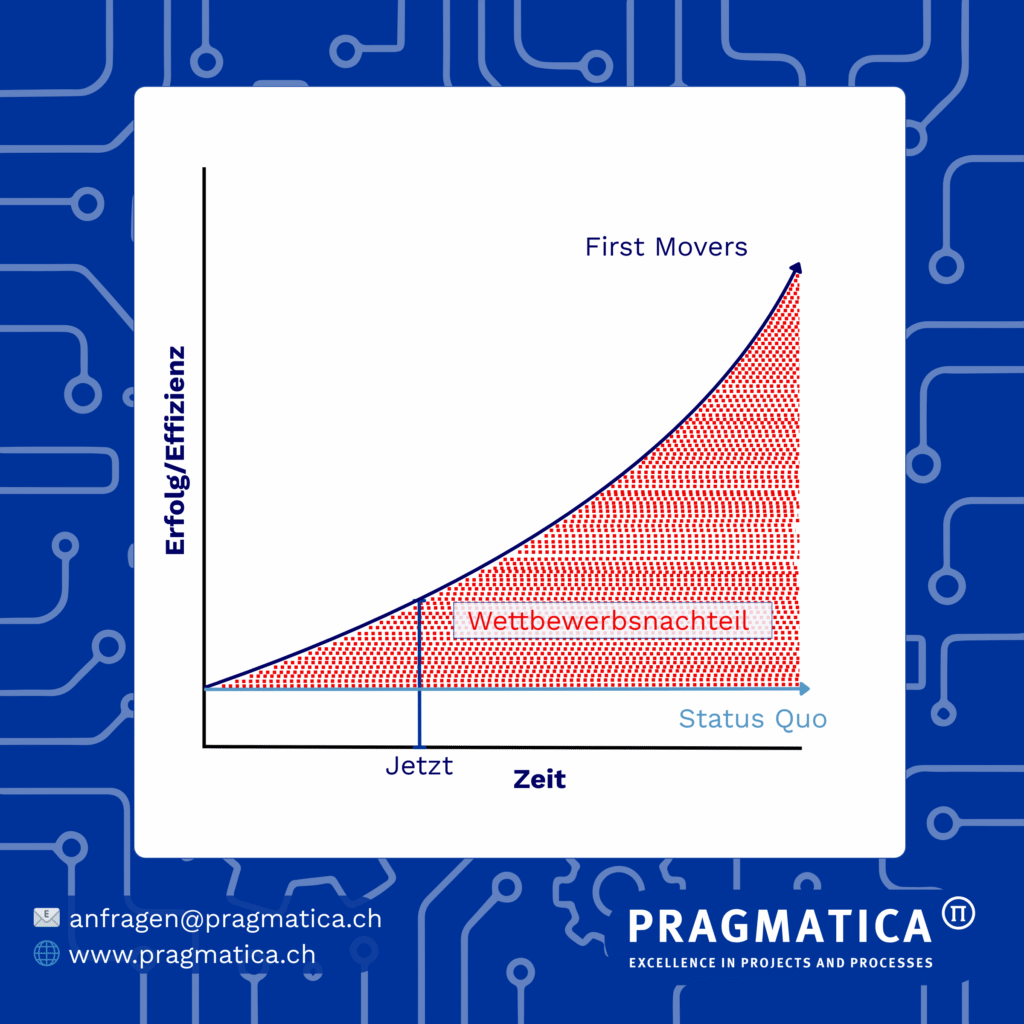
Why "now" - first mover is over
Let’s be honest: AI in the service center is no longer the future. It is the present. The technology is mature, it works, and it delivers real results.
This also means that while you are still considering “whether” we should do this, your competitors are already using AI. They save costs, their customers are more satisfied, their employees can concentrate on providing real advice. It’s not just hype, it’s a competitive advantage and will soon be a commodity.
The risk of waiting is more real than the risk of starting: Not joining in means losing out in terms of costs and quality. The question is no longer “Should we introduce AI?” – the question is “When do we start?”
4 use cases - from quick wins to freestyle
The key is that you don’t have to start with everything at once. AI can easily be introduced and expanded iteratively.
Use Case 1: Mail Triage - The Quick Win
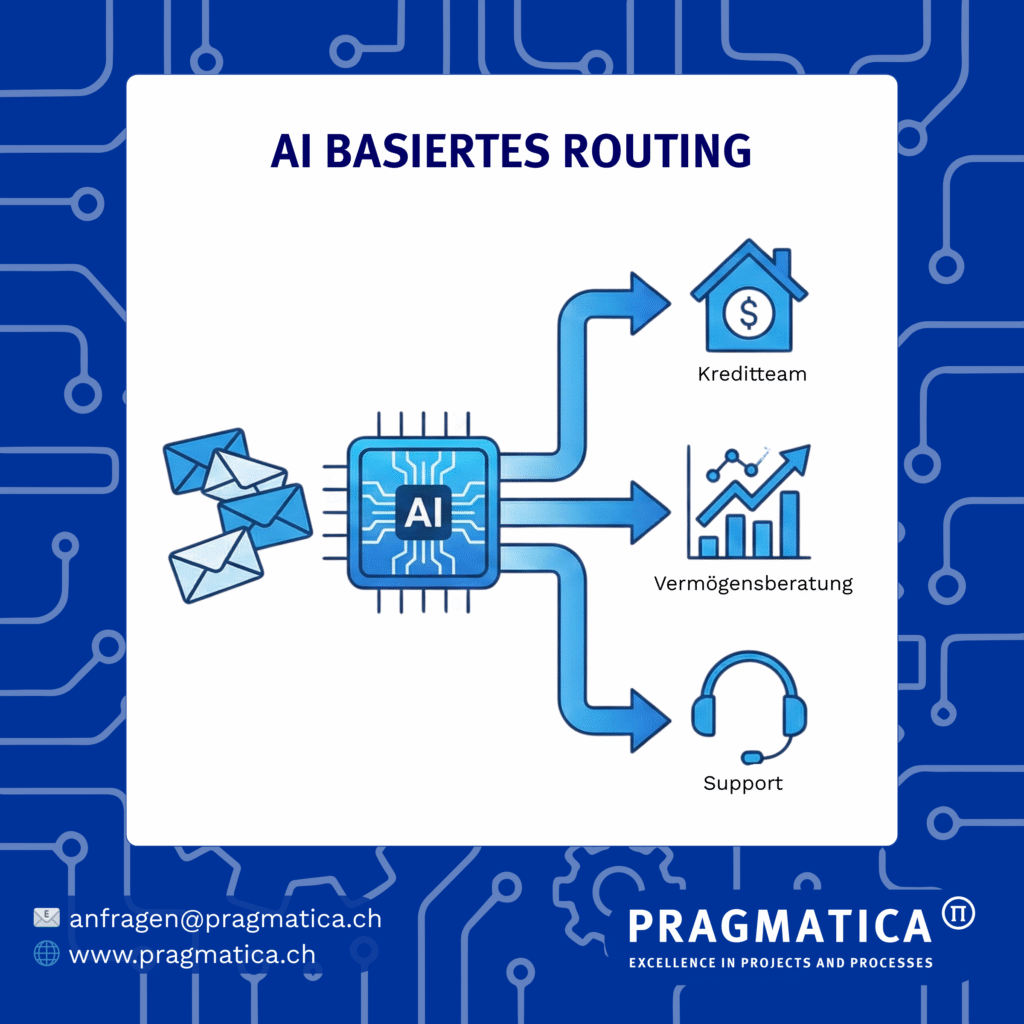
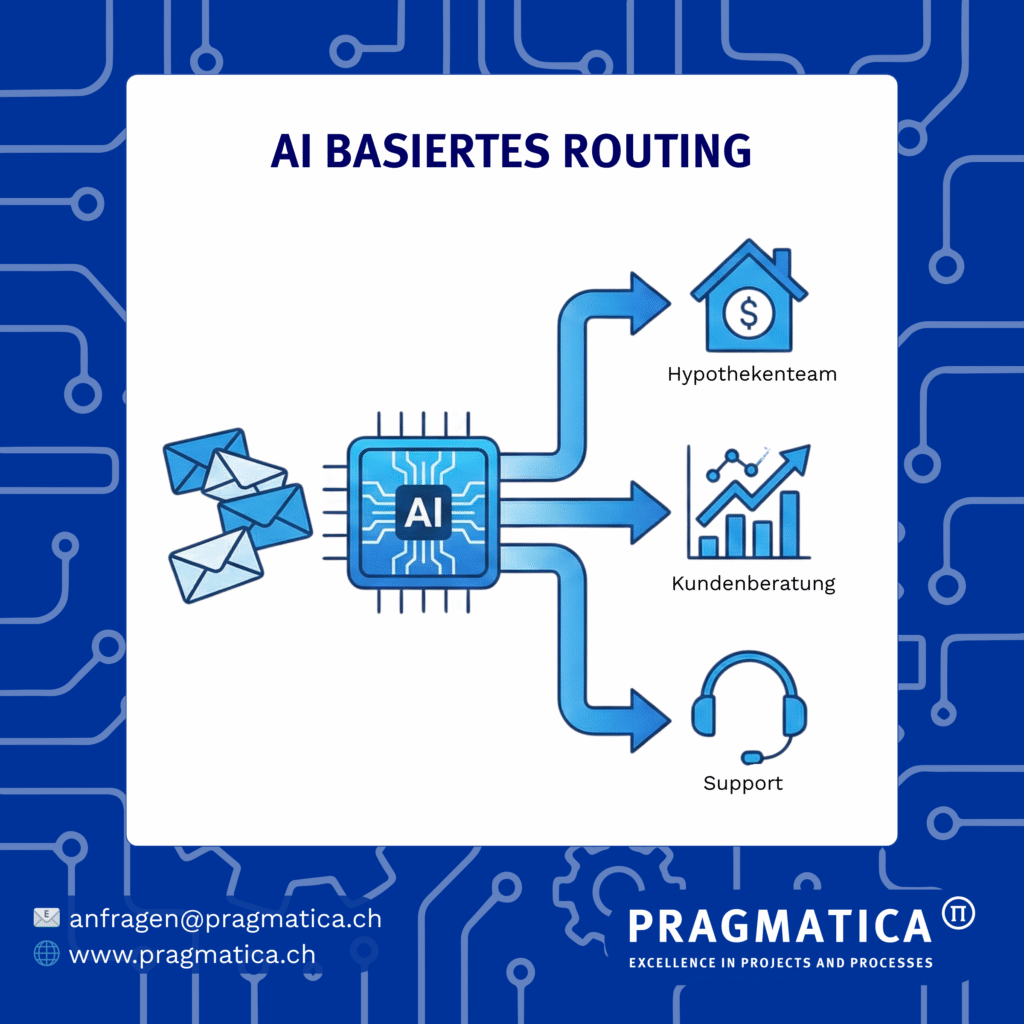
The problem: Customer inquiries reach you via different channels – e-banking message here, SecureMail there, website form, chat. And then someone has to decide manually: Does this belong to the credit team, investment advice or support? Errors are inevitable, processing times are long. In addition, there is the human risk – people inevitably make mistakes, e.g. incorrect assignment and an email is passed back and forth between departments for days or an email is even forgotten and the customer waits and waits.
The solution: An AI system that automatically classifies incoming emails and forwards them to the right person or team. The bot reads the request, understands the context and routes it intelligently and efficiently. In the event of uncertainties, there is a fallback to manual control – the human remains in control.
A real example: A large Swiss retail bank has done just that. Efficiency gains in mail routing of >60% because the routine sorting work was eliminated. Employees can deal directly with higher-value service requests.
Why start here? This is the fastest ROI. The data is already available (your previous emails). Implementation is low-invasive. At the same time, you build up the structured database that all other use cases need.
Use case 2: Text assistant - empowering consultants and service employees
The problem: Service employees and consultants write standard answers over and over again. Most customer inquiries received by email are very similar in content. These questions take a lot of time – sometimes 15 or 20 minutes per answer, because the employee still has to search for the answer and always responds personally to the request. And every answer looks slightly different because everyone has their own style. New employees take a long time to learn the ropes. Many of their colleagues encounter this problem: both the service employees in the customer service center, who have to answer hundreds of emails per week, and the customer advisors, who have to manage their email load between customer meetings.
The solution: An AI-supported text assistant that runs in the mail or chat system. The employee (whether service employee or customer advisor) selects an AI-generated answer at the touch of a button (e.g. Outlook plugin) – based on a central knowledge database and best practice answers. The employee reads, edits if necessary, adds personal phrases and sends. The human remains the quality controller, the bot is the accelerator.
A real example: A large Swiss retail bank uses exactly that. The service employees are faster at answering emails. And new employees need less training because the best answers are suggested to them from day one. At the same time, the advisors also benefit: they save time on standard inquiries and have more time for real customer discussions and strategic advice. Two birds with one stone.
The Key Point: This is not automation without control. It’s an assistant for your employees. And it doesn’t feel threatening to employees – on the contrary, it makes their work easier and increases their competence
Use case 3: Chatbot - using the 80/20 rule
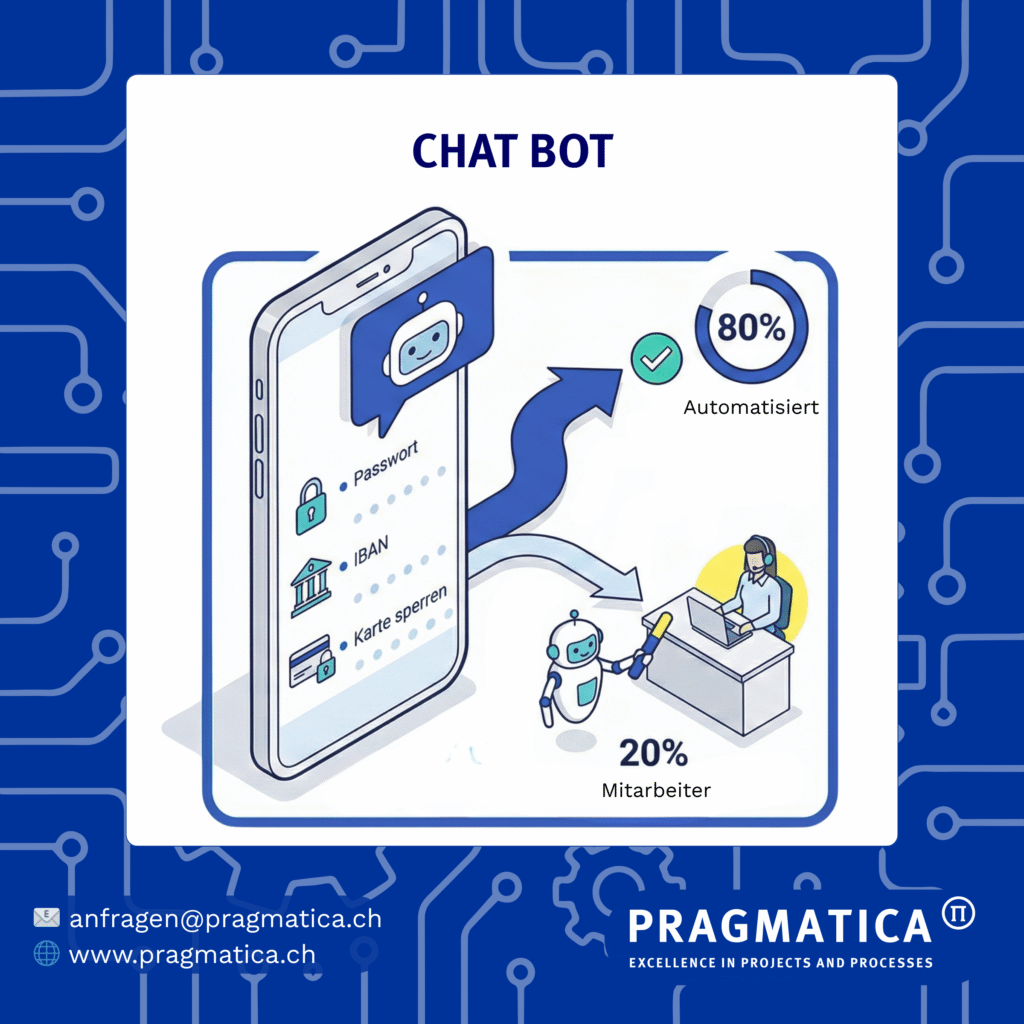
The problem: 80% of all inquiries that reach your Service Center are usually the same ten questions: reset password, TWINT problems, account details, card blocking, IBAN lookup, fees, etc. These standard questions take up staff capacity, even though customers would like to solve these things themselves immediately.
The solution: A chatbot on your website or in the mobile app. It answers the most frequently asked questions immediately and can even trigger automated processes: Reset password, block card, activate TWINT – all directly in the chat. And if things get more complex, the bot seamlessly forwards you to a live advisor.
A real example: A large Swiss retail bank has implemented this. The chatbot handles a significant proportion of the most frequent inquiries. Customers are more satisfied because they get help immediately – 24/7 (unlike on the phone). And your service center finally has the capacity to deal with more complex customer concerns.
The Key Point: This is not “we automate everything away”. It’s “we solve the simple things immediately so that your employees can focus on more complex cases and higher-value customer services.”
Use Case 4: Voicebot - call triage & automation
The problem: The voicebot is the old IVRS system – “Press 1…” – and nobody likes it. And it breaks down at peak times. What’s more, many callers call expecting to be able to solve the problem directly on the phone
The solution: A modern, AI-based voicebot that understands natural language. The caller says what they need – and the bot understands. It routes intelligently or – and this is the game changer – it solves simple processes directly in the call: resetting the password, blocking the card, unblocking TWINT. The same processes as in the chatbot. The caller no longer has to wait. The necessary interfaces have already been developed for the chatbot and can be used again.
The key point: The Voicebot is your scaling turbo.
At peak times (e.g. system malfunctions or at the end of the year), the bot intercepts the first wave of standard requests completely autonomously. But even for the complex cases that it forwards, the game changes massively: routing is no longer rigid (“press 1”), but dynamic. The bot understands the content of the request, checks the capacity utilization of your hotlines in real time and forwards the caller precisely to the department that currently has capacity. No more flying blind into overcrowded waiting loops, but intelligent traffic management for your telephony.
The secret: one database for all four
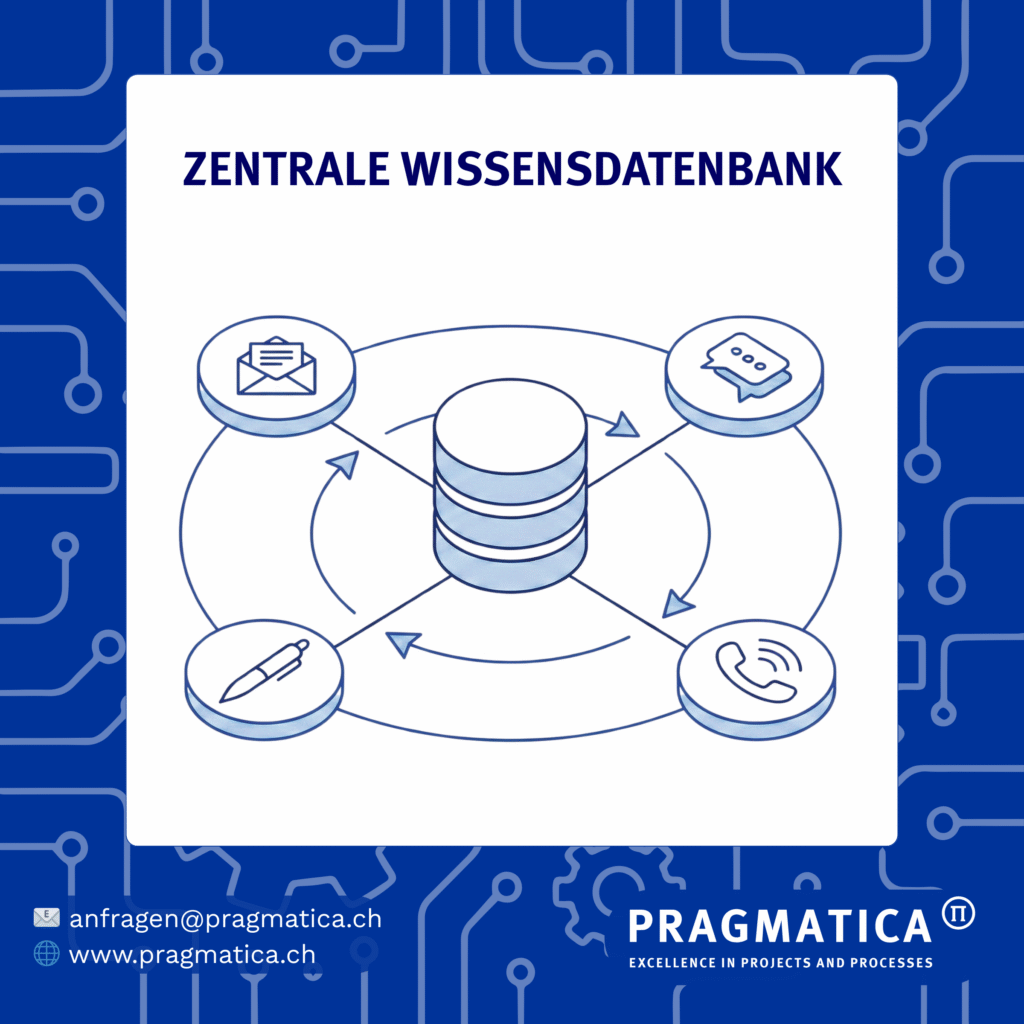
Now comes the important part. You could tackle these four use cases as separate projects – mail triage project, text assistant project, chatbot project, Voicebot Project. That would work, but it would be very expensive and time-consuming.
The intelligent way: You build a central knowledge database – the structure of your FAQ, your process documentation, your best practice answers. All four use cases use this basis. You only have to do this work once – and all four benefit from the further development.
This has a massive impact: Consistent responses across all touchpoints. A customer asks something about fees in the chatbot – and gets the same answer as if they called or wrote an email. This is not only more efficient, it’s also better for the customer.
And this is where it gets really economical: The first use case (mail triage) costs X. The second use case (text assistant) costs less because the basis exists. The third and fourth cost even less. The ROI multiplies.
4 success factors - so that things don't go wrong
But: There are a few things you need to bear in mind right from the start must to ensure a successful implementation
#1 - Structured data:
The be-all and end-all for high-performance AI is a good database. If data is still in silos, unprocessed and insufficiently available, this is THE point that needs to be addressed first. Not perfect, but well prepared. The good news : In the service area, the 100 most frequent inquiries account for a good >80% of the inquiry volume. This means that you already have a very good e basis!
#2 - Governance from day 1:
The service center is just the beginning. Therefore, when using AI, a holistic approach should be taken from the outset. This influences decisions regarding the IT architecture and clear responsibilities, monitoring structures and documentation are not blockers, but the basis for stable operation. And it is extremely important for your entire AI architecture in the company. People must remain in control!
#3 - Integration, not isolation:
The most common mistake: the pilot runs in isolation and does not scale. You need connections to your existing systems right from the start – telephony, CRM, core banking. The omnichannel concept must be there from the start.
#4 - Change Management:
You have the best AI in the world – and your employeesaren’t using it because they are afraid. Therefore: Involve employees early on, communicate transparently (“This is an assistant, not your replacement“), continuous training. This is often the most underestimated success factor.
The next step:
The technical question no longer arises: “Can this be done?”
Yes, you can. The question is: “How do we start?”
Because one thing is certain: if you jump on the bandwagon now, you win.
If you wait, you lose – not dramatically, but noticeably.
And the longer you wait, the bigger the gap becomes.
The future of the Banking Service Center is no longer the future.
It is the present.
The only question is: will you take part?
If you are curious about where your Service Center currently stands and what quick wins are possible - we are happy to help.
Contact us for a non-binding use case sparring session in the following areas:
- AI Use Case Workshop
- AI Governance
- Architecture Workshop
See for yourself and take the first step towards AI & LLM with us.
Your advantages with us
Experience in the implementation of AI projects for banking clients.
Focus on regulated industries: Over 20 years of project experience in banks and insurance companies – with a deep understanding of systems, data flows and regulation.
Structured technology and partner process: in-house developed LLM vendor map & RfP templates for informed decision-making.
From use case to rollout: we take on end-to-end responsibility or supplement your teams on a selective basis – flexibly, pragmatically, solution-oriented.
With over 20 years of experience in project management, we successfully support Swiss financial institutions in the implementation of LLM use cases – from the design of the use case through to full implementation.
We offer comprehensive expertise in AI governance and AI risk management and are familiar with the systems used (e.g. core banking, telephony) and their interactions.
Thanks to our own LLM map with an overview of providers and implementation partners, we make it easier to select the right technology and partners. By working with leading LLM experts, we ensure a customized and smooth implementation.
See for yourself with our free, customized introductory formats and take the first step towards AI & LLM with us.
Introductory formats - free of charge & individual
Use Case
Exploration
Introduction to LLMs, individual use cases, feasibility assessment
Architecture & Technology
Technology options in the market & fit to existing architecture
AI governance & compliance
Regulatory requirements for AI use (FINMA, DPA, EU AI Regulation)
Do you want to find out what your AI potential is?
Then get started today and contact us for a free joint use case sparring session.